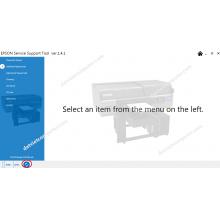
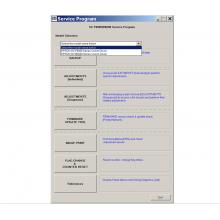
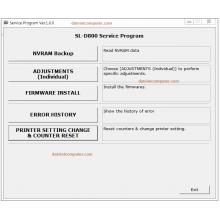
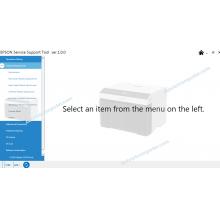
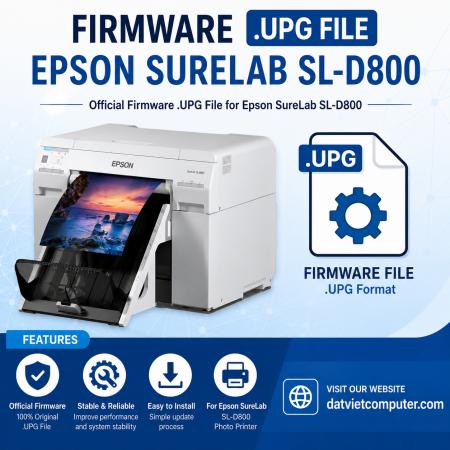
The Epson SureLab SL-D800 Firmware .UPG File is an official firmware update package used to upgrade or reinstall the printer's internal system software. It helps fix bugs, improve performance, add compatibility with new features, and recover the printer after firmware corruption or update failures.
The .upg firmware file is the firmware (system software) file for the Epson SureLab SL-D800 printer. This file contains the program that controls the operation of the main board and is used by Epson to:
- Update to the latest firmware version.
- Fix certain system errors.
- Improve the performance and stability of the machine.
- Add compatibility with new software or consumables.
- Restore firmware when the current firmware is faulty or the update fails.

- The Epson SureLab SL-D800 firmware .upg file is a system firmware file used to update or restore the printer's driver software. Proper updating improves stability, fixes bugs, and ensures the printer runs on the latest software version. Always use the correct firmware file specifically for the SL-D800 and do not disconnect the power during the update process to avoid damaging the printer's firmware.
If your Printer stopped working after a failed firmware update from driver.
The power switched off.
The printer appears in device manager but not in Epson driver.
*** The client must be responsible for the use they give to this file, you should only buy it if you have an idea of how to use it.
It does not repair full internal counter errors or physical problems.


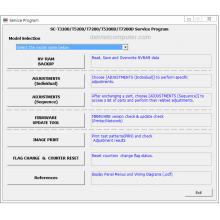
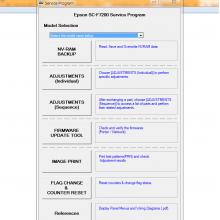
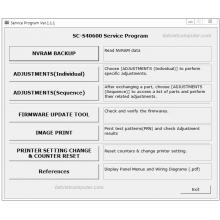






 © 2026 Máy Tính Đất Việt .Máy Tính Đất Việt.
 Địa chỉ : Số 10, Ngõ 209 An Dương Vương ,Q.Tây Hồ, TP.Hà Nội
  Tel: 02462.958.448
  E-mail: Datvietcomputervn@gmail.com
 FB Datvietcomputer
 phuongdong203
 Datviet
 : buidong390




Đánh giá
Nhận xét - Đánh giá